Taste is the new skill: why curated looks beat infinite AI options
AI can generate endless versions of any video. Deciding which one is good is the scarce skill now. Why designer-curated looks beat infinite options for Reels.
- When AI makes every option cheap, the valuable skill is choosing, not producing.
- Choice overload is real but conditional: research finds it strongest when options are complex, preferences unclear and you want to finish fast.
- Editing a Reel hits all of those conditions, which is why endless templates often lead to a messy feed.
- A curated look is a bundle of design decisions made in advance: type pair, captions, transitions and timing that work together.
- Designers still matter in AI tools: they set the constraints and defaults, AI executes, and you direct.
Taste is the ability to decide which version of something is good and which one fits you. In 2026, AI can produce endless versions of any video in seconds, so producing is no longer the hard part. Choosing is. That is why a few designer-curated looks usually serve creators better than infinite options: they remove draining decisions and keep your content recognizable.
AI made options free. Choosing got harder.
A few years ago, your skills limited your options. If you could not animate text, you simply did not. Now any font, transition or effect is one prompt away, and that sounds like freedom.
In practice, it often feels like a menu with no end. Reel Maker is built on one idea: "AI can generate anything. Taste decides what should exist." The tool should not hand you a thousand possibilities. It should help you land on the right one.
What research says about too many choices
The most quoted study is the jam experiment by Iyengar and Lepper (2000). A tasting booth with 24 jams attracted more shoppers than one with 6 (60% versus 40% stopped). But only 3% of those who stopped at the big display bought a jar, compared with nearly 30% at the small one.
To be fair, the effect is not universal. A 2010 meta-analysis by Scheibehenne and colleagues, covering 50 experiments and 5,036 participants, found an average effect of virtually zero, with big differences between studies. More choice is not automatically bad.
The more useful answer came in 2015 from Chernev, Böckenholt and Goodman. Analyzing 99 observations with 7,202 participants, they found choice overload shows up reliably when:
- the options are complex,
- the task is difficult,
- you are unsure what you prefer,
- your goal is to get it done with minimal effort.
Now think about editing a Reel. Fonts times colors times transitions is a complex set. Good editing is hard. Most people are not sure what "good" looks like for their brand. And almost everyone just wants the video finished. This is our interpretation rather than a tested result, but all four conditions are present every time you open an editor full of templates.
Infinite options vs a curated look
| Infinite AI options | Designer-curated look | |
|---|---|---|
| Decisions per Reel | Dozens: font, size, color, position, transition, pace | One: pick the look, then adjust what matters |
| Consistency across your feed | Depends on your mood that day | Built in |
| Type pairing | Trial and error | Pre-paired, thin + bold |
| Caption and transition timing | Tuned by hand | Already tuned to work together |
| Risk | A generic or chaotic feed | Less novelty for its own sake |
| Your role | Operator | Director |
Why consistency beats variety
Strong accounts are recognizable before you read the name. The same type pair, caption style and rhythm, Reel after Reel, become a visual signature. Every random template choice dilutes that signature a little.
Looks also change how content is perceived. The aesthetic-usability effect describes how people judge attractive designs as easier to use. In the original 1995 study, Kurosu and Kashimura had 252 participants rate 26 ATM layouts, and perceived ease of use tracked aesthetic appeal more closely than actual ease of use. That research is about interfaces, not videos, but the lesson carries over: polish shapes the first impression before anyone evaluates the substance.
How Reel Maker's looks work
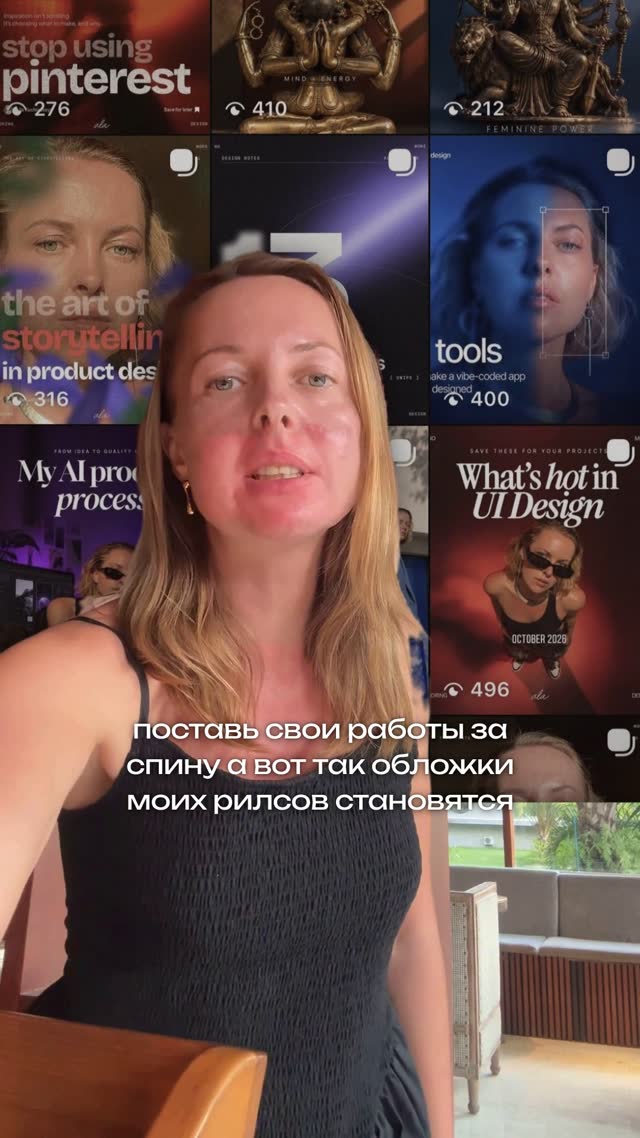
A look in Reel Maker is a set of design decisions made in advance by a designer. The type pair, captions, transitions and timing already work together, so you are not assembling a style from parts. There are eight: Editorial, Minimal, Cinematic, Fashion, Bold Type, Soft Film, UGC and Product.



Type pairs: thin + bold
Each look's captions use a designer type pair, a thin weight and a bold weight. The contrast creates hierarchy: the bold word grabs attention, the thin words carry the rest of the sentence. Combined with word-timed captions (each word appears exactly when it is spoken), it makes the key idea land. We cover readability and safe zones in our captions guide.
You still direct
A look is a starting point, not a cage. You can still say "make the title bigger" or "slow down the captions in the second half" in plain words. The look keeps those changes inside a system that holds together.
The role of a human designer in AI tools
AI is excellent at execution and variation. It is not good at knowing when to stop. That is the designer's job: setting constraints, choosing defaults that work, and removing options that only add noise.
Reel Maker was founded by Ala, a senior product designer with 12+ years of experience in startups, mobile apps and AI products. In product design, a good default usually helps more people than another settings menu. The same thinking applies here: the designer handles art direction, AI handles editing, and you direct.
The same goes beyond video. If you also make carousels and static posts, see how to make carousels with AI while staying on-brand.
How to train your own taste
Taste is a skill, so it can be practiced. Here is a simple routine:
- Collect references. Save Reels you wish you had made. After a couple of weeks, write down what they share: pace, fonts, colors, framing.
- Pick one look and commit. Use it for a month before judging. Consistency needs time to become visible.
- Limit your type. One type pair across all your content. Constraint is what makes a style recognizable.
- Test like a viewer. Watch on your phone, sound off, at full speed. Is the first line readable? Is the key word obvious?
- Change one thing at a time. If you tweak the hook, the font and the pace at once, you will not know what worked.
Tip: When you feel stuck between two options, pick the simpler one. Restraint is rarely the reason a Reel fails.
If you want designer-made looks and a studio that lets you direct instead of tweak, join the Reel Maker waitlist or follow along in our Telegram community, where the best prices and access news appear first.
Questions and answers
What does 'taste' mean in content creation?
Taste is the ability to tell what is good and what fits you: which font, pace or effect supports your message and which one distracts. It shows up as consistent, recognizable choices across your content.
Is choice overload a proven effect?
Partly. The famous jam study found far fewer purchases from a large assortment, but a 2010 meta-analysis found an average effect near zero. A 2015 meta-analysis showed the effect appears reliably under specific conditions, such as complex options and uncertain preferences.
Doesn't a fixed look make every creator look the same?
A look sets the design system, not your content. Your face, voice, ideas and direction stay unique, and within a look you can still ask for changes in plain words.
What is a type pair?
A type pair is two fonts or weights chosen to work together, for example a thin font for most words and a bold one for the key word. The contrast creates hierarchy, so viewers know what to read first.
Sources
- Iyengar and Lepper (2000), When Choice is Demotivating, Journal of Personality and Social Psychology
- Scheibehenne, Greifeneder and Todd (2010), Can There Ever Be Too Many Options? Journal of Consumer Research
- Chernev, Böckenholt and Goodman (2015), Choice overload: a conceptual review and meta-analysis, Journal of Consumer Psychology
- Laws of UX: Aesthetic-Usability Effect