How to make Instagram Reels with AI in 2026: the full workflow
A practical 2026 workflow for making Reels with AI: plan one idea, film on your phone, let AI cut, clean and caption, then post, test and learn.
- AI is best at the slow, repetitive parts of editing: cutting pauses, cleaning audio and timing captions.
- You still own the idea, the first seconds and the final taste check.
- Film for the edit: good light, close mic, full sentences and a short beat between takes.
- Instagram says watch time, likes and sends are its top ranking signals, so judge reels by those.
- Use Trial Reels to test a new format with non-followers before your followers see it.
To make an Instagram Reel with AI in 2026, you plan one clear idea, film yourself on your phone, and let AI handle the slow parts of editing: cutting pauses and retakes, cleaning the audio, timing captions and applying a consistent look. Then you write a cover and caption, post, and read the numbers that matter. AI saves you hours, but the idea, the first seconds and the final taste check are still yours.
Below is the whole workflow, step by step, with the kind of tool that helps at each stage.
The workflow at a glance
| Step | What you do | What AI can do | Typical tools |
|---|---|---|---|
| 1. Plan | Pick one idea and one promise | Suggest angles and hooks from your notes | Chat assistants |
| 2. Film | Record on your phone | Teleprompter, framing help | Phone camera, Edits |
| 3. Edit | Decide what stays | Cut pauses and retakes, clean audio, caption, apply a look | Mobile editors, text-based editors, directed AI studios |
| 4. Package | Choose cover and caption | Draft caption options | Any editor, chat assistants |
| 5. Post and test | Publish, compare, repeat | Help you read results | Instagram Insights, Trial Reels |
Step 1: Plan one idea per reel
Most weak reels try to say three things. Pick one: one tip, one opinion, one before and after. Write it as a promise the viewer understands in a second, for example "The one setting that makes phone audio sound clean."
Then sketch three beats: the hook (first one to three seconds), the proof or steps, and a short ending. A chat assistant is useful here. Paste your notes and ask for five hook lines, then pick or rewrite the one that sounds like you. For more on openings, see our guide to hooks for the first seconds.
Tip: Write the hook as on-screen text too. Many people scroll with the sound off, so the first words should work silently.
Step 2: Film for the edit
AI editing works best when the source is clean. A few habits make a big difference:
- Light: face a window. Soft daylight beats most cheap ring lights.
- Sound: a small clip-on mic close to your mouth beats any software fix. Avoid echoey rooms. Our guide to clean audio from phone video goes deeper.
- Framing: phone at eye level, vertical, with some space above your head for captions and titles.
- Takes: if you stumble, pause for a beat and restart the whole sentence. Full sentences are much easier to cut cleanly than half-words.
- Teleprompter: Instagram's free Edits app includes an in-app teleprompter if you prefer reading a script.
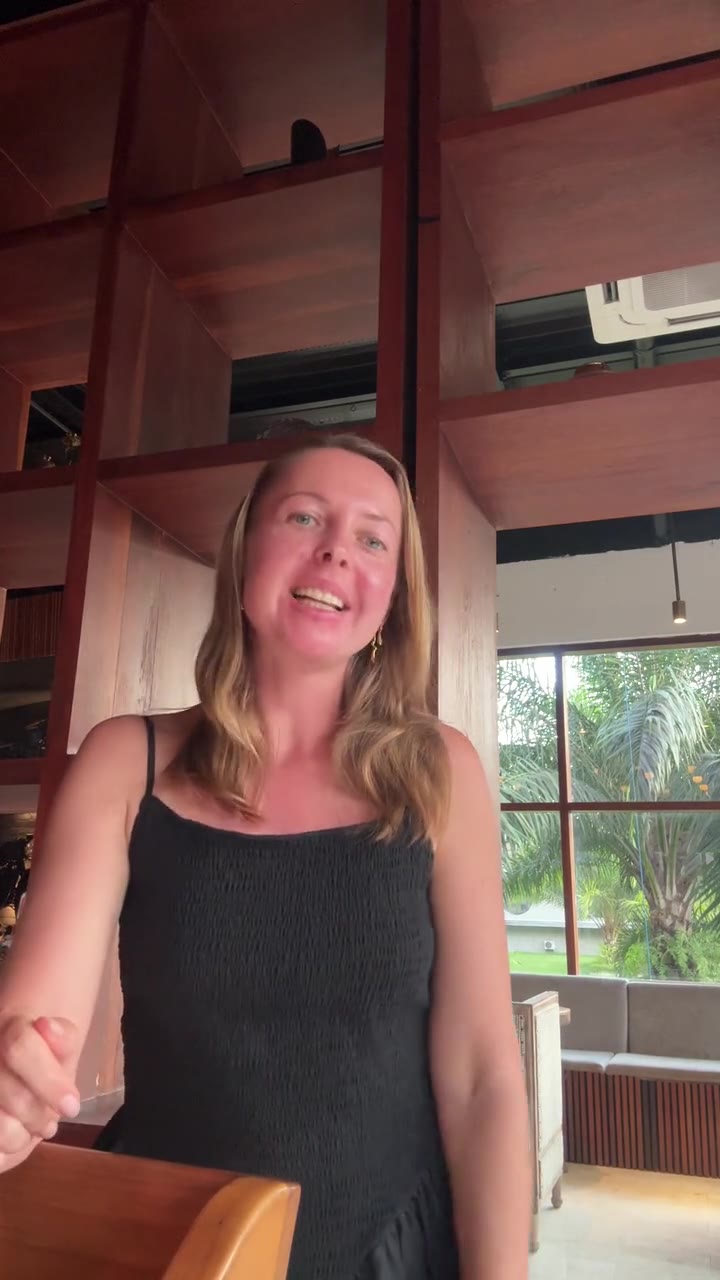
Step 3: Edit with AI
This is where most of the time used to go. Here is what to hand to AI, and what to check yourself.
Cuts: pauses, stumbles and retakes
AI tools now find silences and filler words automatically. Some work from the audio (they cut whatever is quiet), others from a transcript (you delete words in text and the video follows). Descript, for example, can flag and remove filler words in English transcripts, Premiere Pro added filler and pause detection to its text-based editing, and CapCut desktop can identify filler words while generating captions.
Always watch the result once. Cutting every breath makes people sound rushed. Our article on removing pauses and filler words explains how to keep it natural.
Audio
Background noise (a café, traffic, a fan) is the fastest way to lose a viewer. AI speech enhancement can separate your voice from the noise. The risk is over-processing, which makes a voice sound thin or robotic, so compare before and after on headphones.
Captions
Word-timed captions (each word appears or highlights as you say it) are now the default look for talking-head reels. Keep lines short, contrast high, and everything away from the bottom of the screen where Instagram puts its buttons and caption text. Our full guide to Reels captions covers sizes, safe zones and fonts.
Look and effects
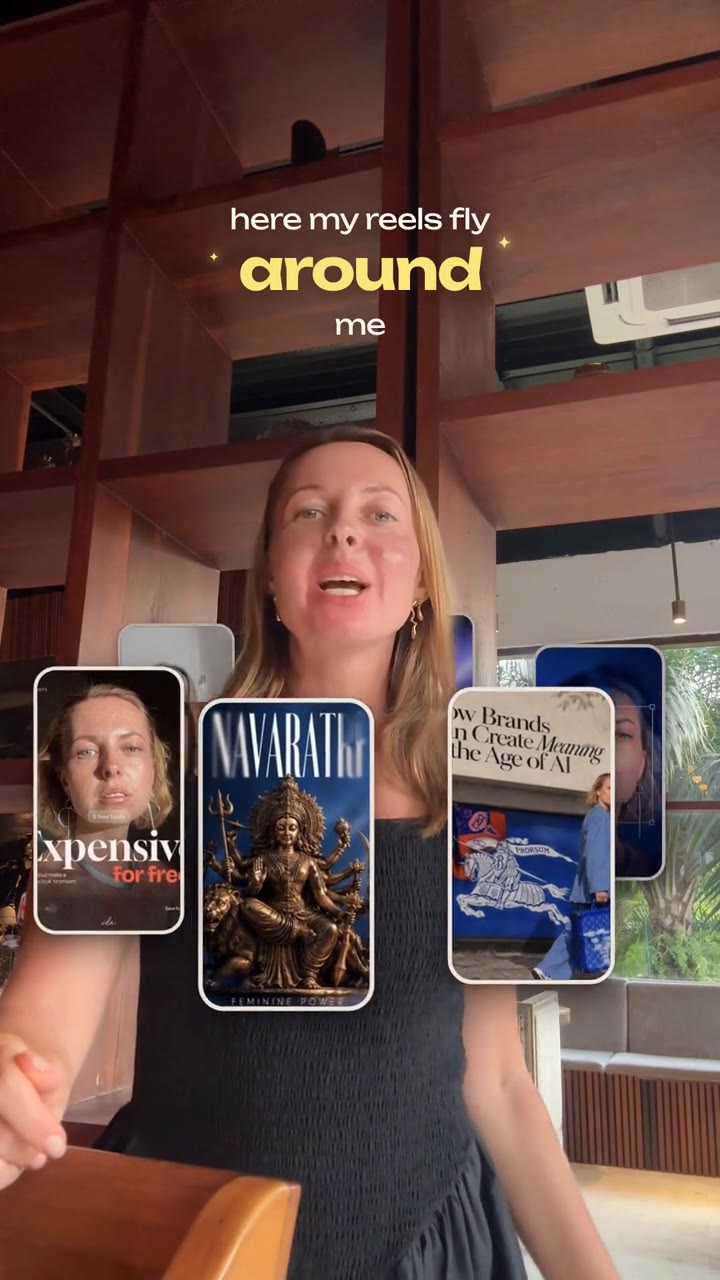
A "look" is the sum of fonts, colors, caption style, transitions and timing. Choosing one look and sticking to it makes your account recognizable. Effects should serve the message: a zoom on a key word, a sound accent on a reveal, your previous reel covers flying around you when you talk about results.
Step 4: Cover and caption
Your cover shows on your profile grid, so make it readable as a small tile: a short title, your face, the same font every time. The written caption below the reel should add context the video does not: a short summary, one question to answer in comments, and a few relevant keywords people might search for.
Step 5: Post, test and learn
Instagram has been unusually open about ranking. In January 2025, Instagram head Adam Mosseri said the top three signals are watch time, likes and sends, and suggested creators check average watch time, likes per reach and sends per reach in their insights. Sends (people sharing your reel in DMs) matter slightly more for reaching non-followers.
Two more official points are worth knowing:
- Originality counts. Instagram said in 2024 that when it finds identical content, it recommends the original instead of reposts. Editing your own footage keeps you on the right side of that.
- Trial Reels let you test. Professional accounts can post a reel as a trial that is shown to non-followers first. After 24 hours you see views, likes, comments and shares, then decide whether to share it with followers.
On length, Instagram said in January 2025 that reels up to 3 minutes can be recommended to non-followers. Longer is allowed, not required. Cut until every second earns its place.
Example: Post two versions of the same tip as Trial Reels, one with a spoken hook and one with a bold text hook. After a day, keep the one with higher average watch time and share it with followers.
Which kind of AI tool fits you
There is no single best tool. It depends on how much control you want and how much time you have.
| Tool type | Good for | Trade-off |
|---|---|---|
| Free mobile editors (Edits, CapCut) | Quick edits on the phone, auto captions | You still assemble and style by hand |
| Text-based editors (Descript, Premiere Pro) | Editing speech by editing a transcript | Desktop learning curve, more manual polish |
| AI video generators | Footage you cannot film yourself | Not your face or voice, so less personal |
| Directed AI studios | Describing the edit in words and getting a finished, styled reel | Less frame-by-frame control |
Instagram's own Edits app is free and, according to Instagram, exports without a watermark. CapCut and Descript are strong if you like hands-on control. If you want to compare generating video with editing your own, read AI video generators vs AI editors.
Reel Maker sits in the last row. It runs inside Claude as an installed skill (a packaged set of instructions Claude loads for a specific job). You choose a designer-curated look, drop your raw clip and say what you want in plain words. It cuts pauses and retakes, removes background noise, adds word-timed captions, a hook title and effects like Orbit, and exports at 1080x1920. Read what Reel Maker is for the details.
Common mistakes to avoid
- Letting AI choose the idea. It can draft hooks, but your point of view is the reason people follow you.
- Trusting auto cuts blindly. Watch once at normal speed. Check names, numbers and jokes.
- Changing style every week. One look builds recognition faster than ten trendy ones.
- Captions over the buttons. Keep text out of the bottom part of the frame.
- Judging by views alone. Watch time and sends tell you more about whether the reel worked.
Your first AI reel this week
- Write one idea and one hook line.
- Film three takes by a window with a clip-on mic.
- Run AI cuts, audio cleanup and captions, then watch once.
- Pick a cover in your usual font.
- Post as a Trial Reel and note the average watch time.
If you want editing to feel like directing rather than timeline work, join the Reel Maker waitlist or say hi in our Telegram community, where founding members hear about the best launch price first.
Questions and answers
Can AI make a Reel from my phone footage without a timeline?
Yes. Many tools now cut pauses, add captions and clean audio automatically. Directed tools go further and let you describe changes in plain words instead of dragging clips.
Do I need expensive gear to make Reels with AI?
No. A recent phone, window light and a small clip-on mic cover most talking-head reels. AI cleanup helps, but clean source audio still gives the best result.
How long should my Reel be?
As long as the idea needs and no longer. In January 2025 Instagram said reels up to 3 minutes can be recommended to non-followers, but a tight reel that ends as soon as the point is made is easier to watch to the end.
Will Instagram penalize AI-edited Reels?
Instagram has said it favors original content over reposts. Editing your own footage with AI keeps it original; reposting other people's clips is what loses reach.
Sources
- Finding success on reels in 2025 (Instagram for Creators)
- Instagram shares algorithm insights for 2025 (Social Media Today)
- Instagram rolls out Trial Reels (TechCrunch)
- Instagram updates ranking to surface original creators (TechCrunch)
- Instagram Edits launches on the App Store (9to5Mac)
- Instagram Edits turns one (FoneArena)
- Remove filler words (Descript Help)
- Filler words and text-based editing updates in Premiere Pro (Adobe Community)
- Filler word remover (CapCut)
- What are skills? (Claude Help Center)